


Categorías
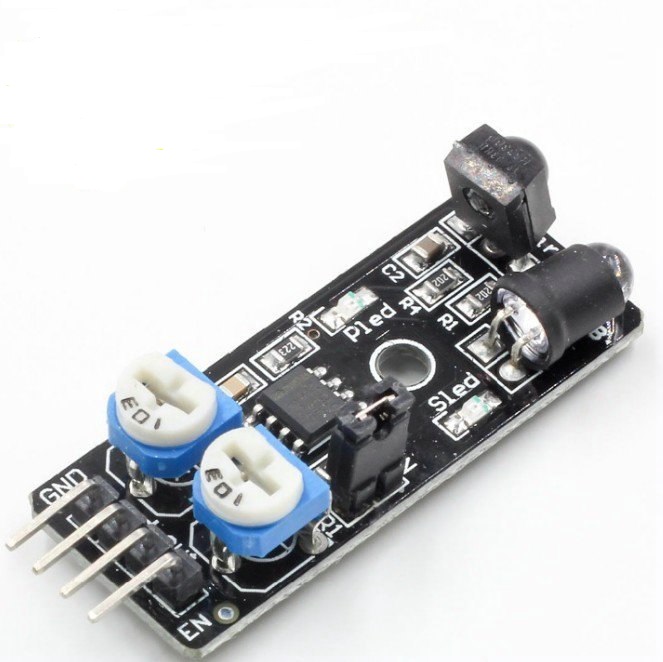
Ref. AKC-108.KY0032
Ky0032 sensor ir de obstaculos para arduino
Stock: 185 Ref. AKC-108.KY0032
Precio (IVA inc.) 1,69 €
| Unidades | ≥ 5 | ≥ 10 | ≥ 15 |
| DescuentoDescuentoprecio | -5%-0,214,05 | -7%-0,303,96 | -10%-0,433,83 |
 Si tienes dudas envíanos un WhatsApp

Envío Rápido
en 14h o 24/48h

Pago Seguro
Tarjeta, Bizum...

Garantía
Calidad asegurada

Especialistas
Consulta tus dudas
Especificaciones
Description:Working voltage: DC 3.3V-5V
Working current: 20mA
Working temperature: -10degree+50degree
Detection distance : 2-40cm
IO interface: 4 line (-/+/S/EN)
Output signal: TTL Level
Adjusting mode: Multi resistance regulation
Effective angle: 35°
Size: 4.5x1.1cm(approx)
Sample code:
//This is an example code on how to use the obstacle avoidance sensor KY-0032
//This sensor works the same as warning sensors in cars. Used in many robot projects.
int Buzzer = 3;
int AvoidancePin = 4; // define the obstacle avoidance sensor interface
int RedLed = 5 ;
int GreenLed = 6 ;
int val ;// Value High or LOW.
// here i set up the tones, you can change them @ void loop.
int tones[] = {261, 277, 293, 311, 329, 349, 369, 392, 415, 440, 466, 493, 523 ,554};
// 1 2 3 4 5 6 7 8 9 10 11 12 13 14
// You can add more tones but i added 14. Just fill in what tone you would like to use, @ void loop you see " tone(Buzzer, tones[12]); " below, digitalWrite(Buzzer, HIGH);
// here you can change the tones by filling in a number between 1 and 14
void setup ()
{
Serial.begin (9600);
pinMode (RedLed, OUTPUT) ;
pinMode (GreenLed, OUTPUT) ;
pinMode (Buzzer, OUTPUT) ;
pinMode (AvoidancePin, INPUT) ;// define the obstacle avoidance sensor output interface
}
void loop ()
{
val = digitalRead (AvoidancePin) ;// Reading from the AvoidancePin
if (val == HIGH)
{
digitalWrite (RedLed, LOW);
digitalWrite (GreenLed, HIGH);
digitalWrite (Buzzer, LOW);
noTone(Buzzer);
delay(100);
}
else
{
digitalWrite (RedLed, HIGH);
digitalWrite (GreenLed, LOW);
digitalWrite (Buzzer, HIGH);
tone(Buzzer, tones[6]);//You can change the tone choosing from 1 to 14.
delay(100);
}
}
OTROS PRODUCTOS RELACIONADOS
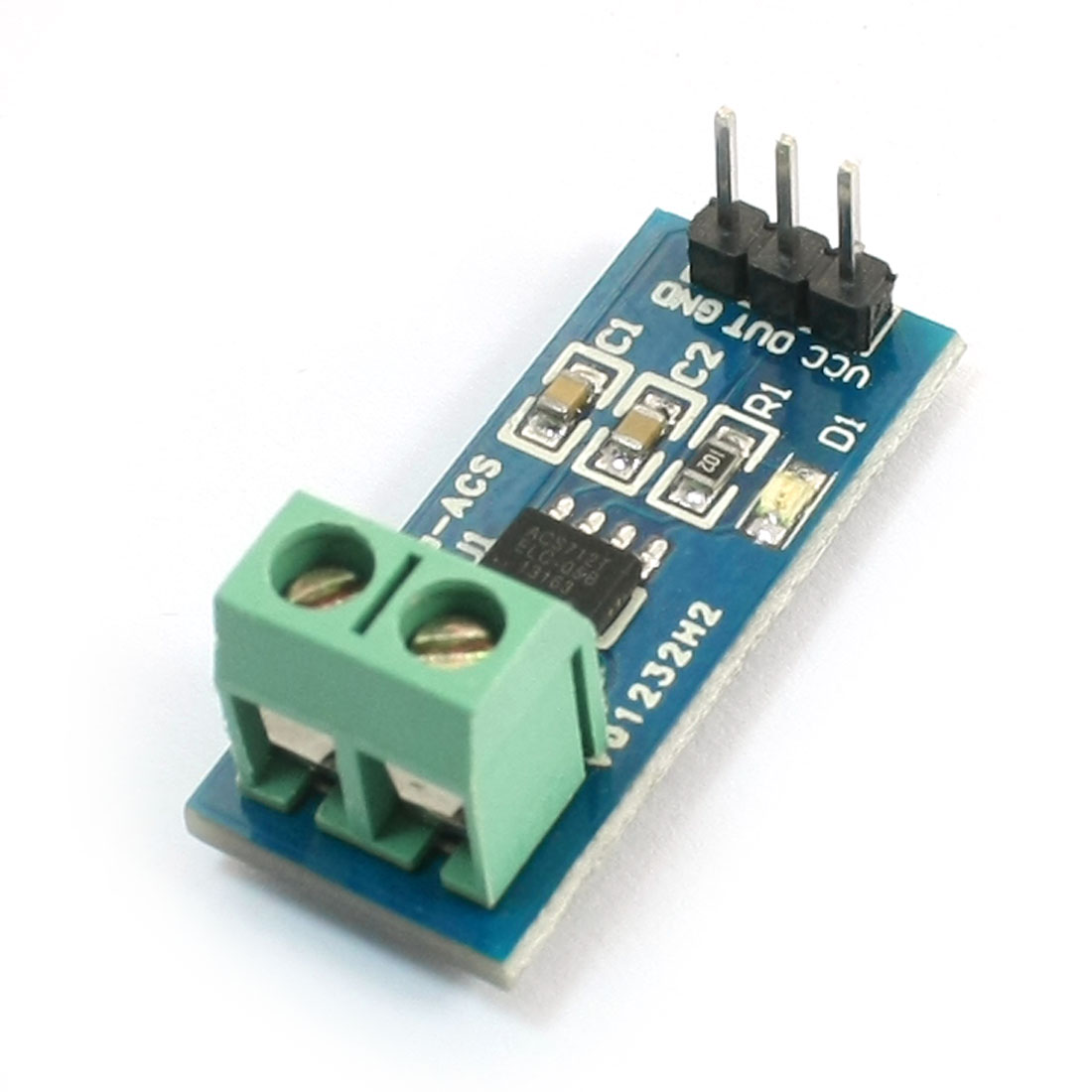 Ref.: AKC-108.MD9098/30AAcs712elc-30a modulo sensor hall de corriente de 30 amp.Stock: 27Precio (IVA inc.) 2,904 €
Unidades ≥ 3 ≥ 5 ≥ 10 ≥ 15 DescuentoDescuentoprecio -3%-0,092,82 -5%-0,152,76 -7%-0,202,70 -10%-0,292,61 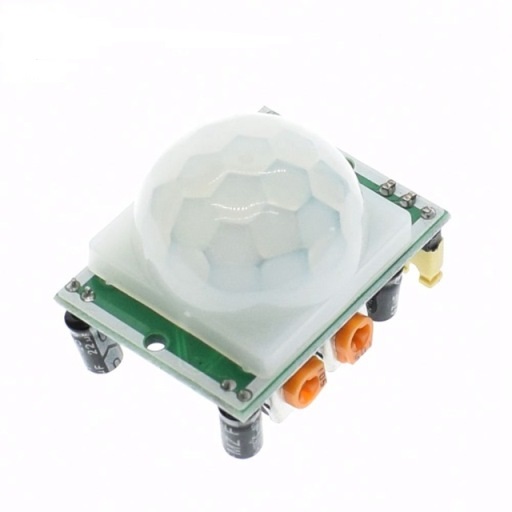 Ref.: AKC-108.MD9046Hc-sr501 sensor pir ajustable para arduinoStock: 0Precio (IVA inc.) 1,888 €
Unidades ≥ 10 ≥ 20 ≥ 30 ≥ 40 DescuentoDescuentoprecio -3%-0,061,83 -5%-0,091,79 -7%-0,131,76 -10%-0,191,70 
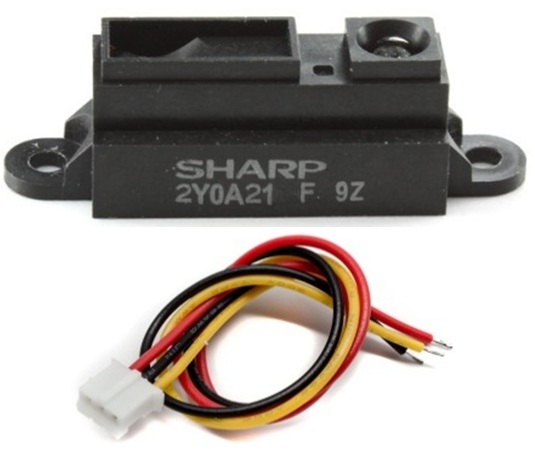 Ref.: AKC-108.MD9055Gp2y0a21yk0f 2y0a21 10-80cm sensor de distancia para arduinoStock: 40Precio (IVA inc.) 10,491 €
Unidades ≥ 5 ≥ 10 ≥ 15 ≥ 20 DescuentoDescuentoprecio -3%-0,3110,18 -5%-0,529,97 -7%-0,739,76 -10%-1,059,44 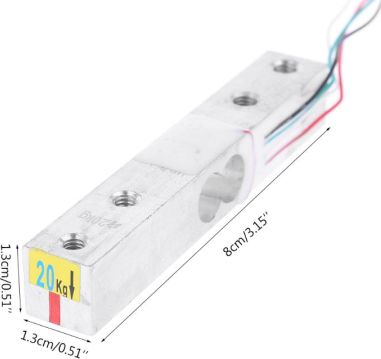 Ref.: AKC-108.MD9043/20KHx711 sensor de pesaje de hasta 20kgStock: 8Precio (IVA inc.) 3,509 €
Unidades ≥ 3 ≥ 5 ≥ 10 DescuentoDescuentoprecio -3%-0,113,40 -5%-0,183,33 -7%-0,253,26 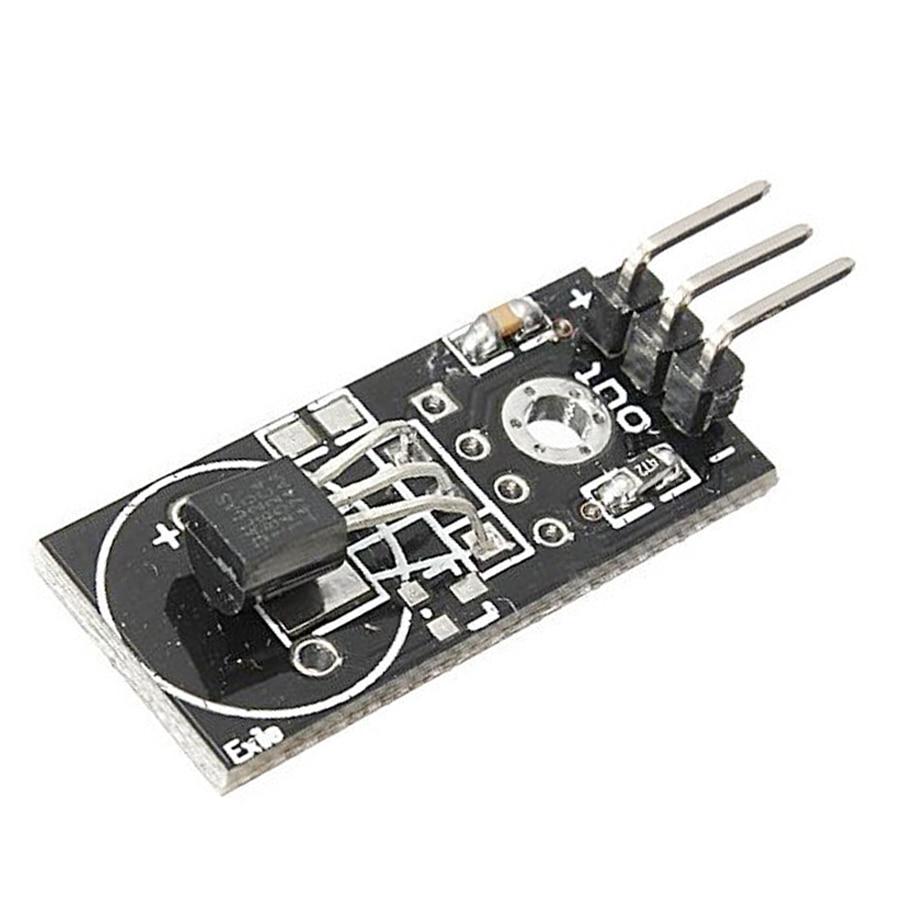 Ref.: AKC-108.KS0023Modulo 18b20 sensor de temperatura para arduino/funduinoStock: 89Precio (IVA inc.) 1,513 €
Unidades ≥ 10 ≥ 20 ≥ 30 ≥ 40 DescuentoDescuentoprecio -3%-0,051,47 -5%-0,081,44 -7%-0,111,41 -10%-0,151,36 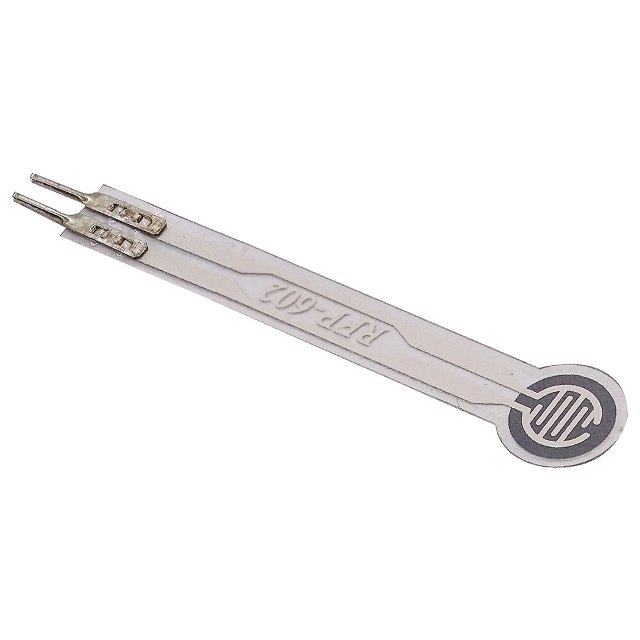 Ref.: AKC-108.KS0309Rfp602 sensor de presión de película delgada (0~1.0kg)Stock: 9Precio (IVA inc.) 11,374 €
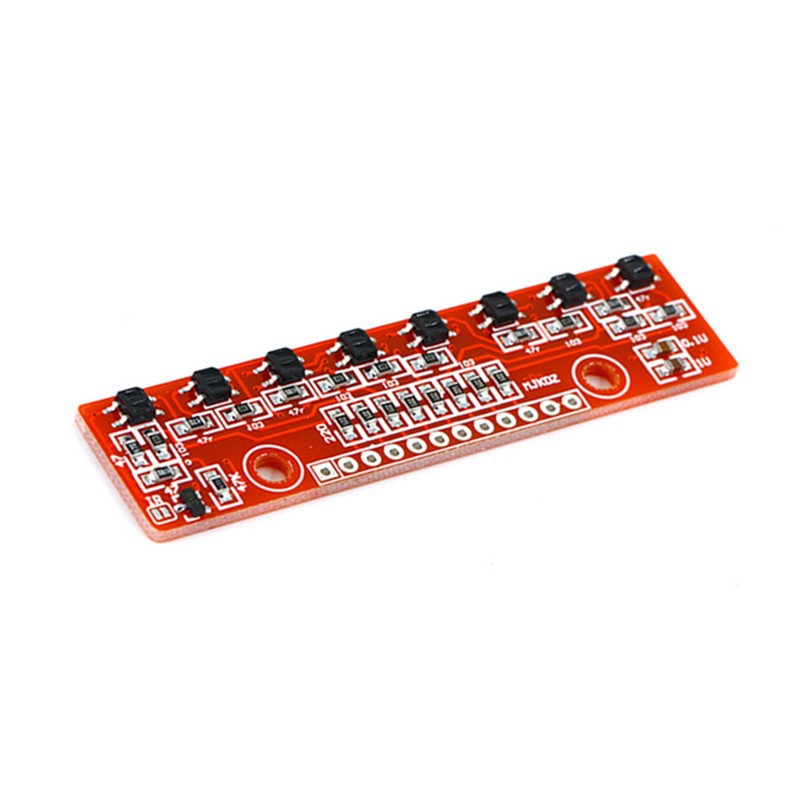 Ref.: AKC-108.MD9111Qtr-8rc modulo sensor seguimiento de lineas 8 vias / 8 ways trackerStock: 0Precio (IVA inc.) 8,289 €
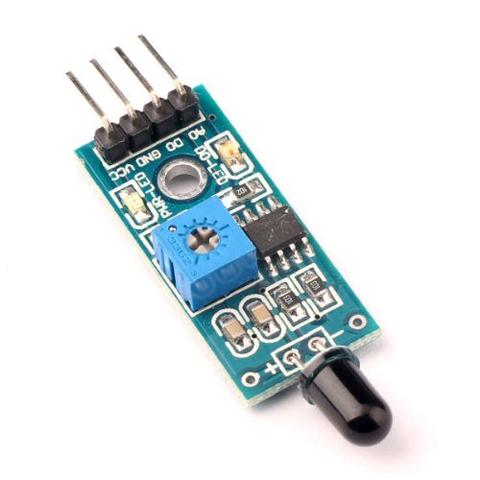 Ref.: AKC-108.MD9092Modulo sensor ir de llama 4 pinesStock: 258Precio (IVA inc.) 0,968 €
Unidades ≥ 15 ≥ 25 ≥ 40 ≥ 60 DescuentoDescuentoprecio -3%-0,030,94 -5%-0,050,92 -8%-0,080,89 -10%-0,100,87 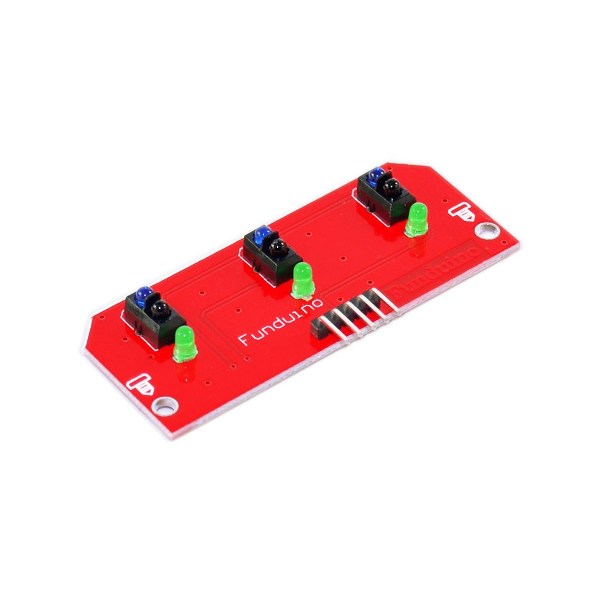 Ref.: AKC-108.MD9078Modulo de sensor de rastreo de 3 canalesStock: 50Precio (IVA inc.) 4,259 €
Unidades ≥ 5 ≥ 10 ≥ 15 DescuentoDescuentoprecio -5%-0,214,05 -7%-0,303,96 -10%-0,433,83